Overview
Your Mac's health on one screen
Disk usage, cache ratio, reclaimable space — at a glance
Read-only scan; nothing is modified
Atlas is an open-source macOS maintenance workspace. Every action produces a plan, is itemized for review, and enters the ledger — restorable item by item within the retention window. Nothing is silently deleted.
Prerelease builds are for testing only and may contain unknown issues. Do not use them in production.
Version 2.1.0 · Sep 15, 2026
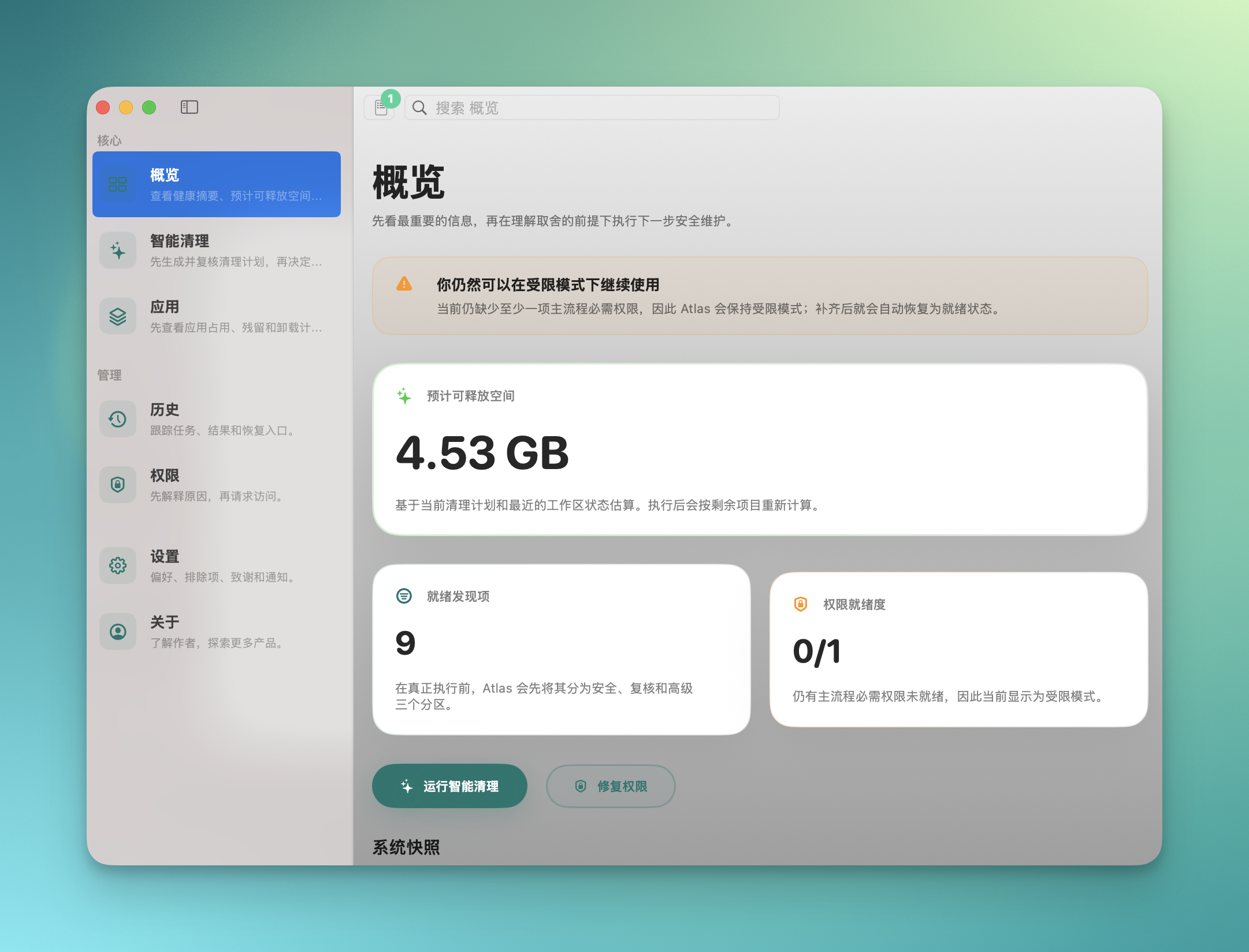
46 seconds. See how Atlas explains first, then cleans.
Cleaners delete files without telling you what was removed
Atlas lists every item in a plan, runs only after you confirm, and records it to the ledger
A config file gets deleted and there's nothing to find or restore
Atlas creates a restore point for each action and lets you recover item by item from the ledger (when supported)
Tools demand Full Disk Access without explaining why
Atlas requests permissions on demand, explains each one, and runs basics without Full Disk Access
Your Mac's health on one screen
Disk usage, cache ratio, reclaimable space — at a glance
Read-only scan; nothing is modified
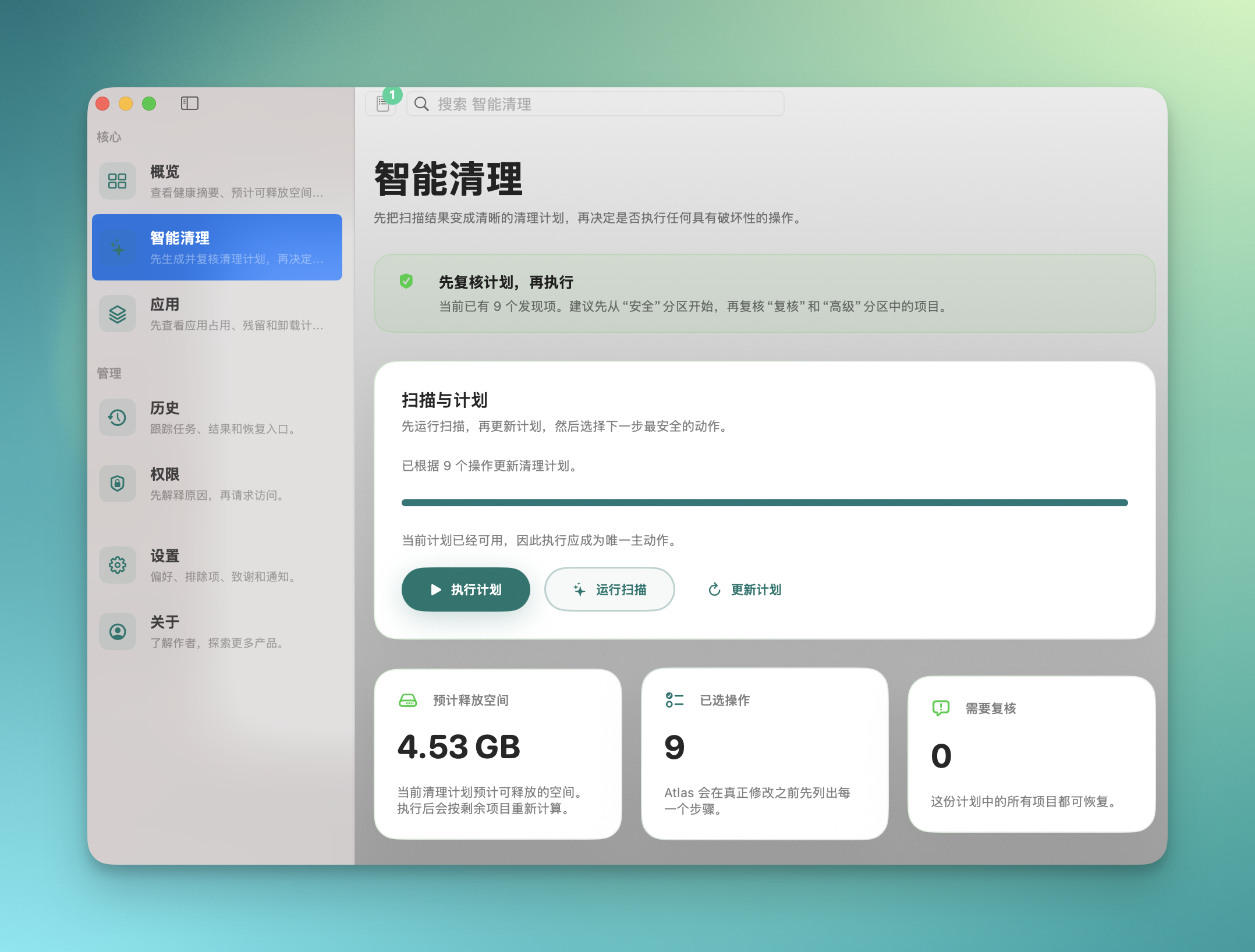
Scan, review the plan, run on confirm
System caches 3.2 GB — review the breakdown before cleaning
Restore point created before run; rollback supported
File scattered files into place by rules
Auto-sort Downloads by type/date/project, preview then run
Moves, never deletes — and still enters the ledger
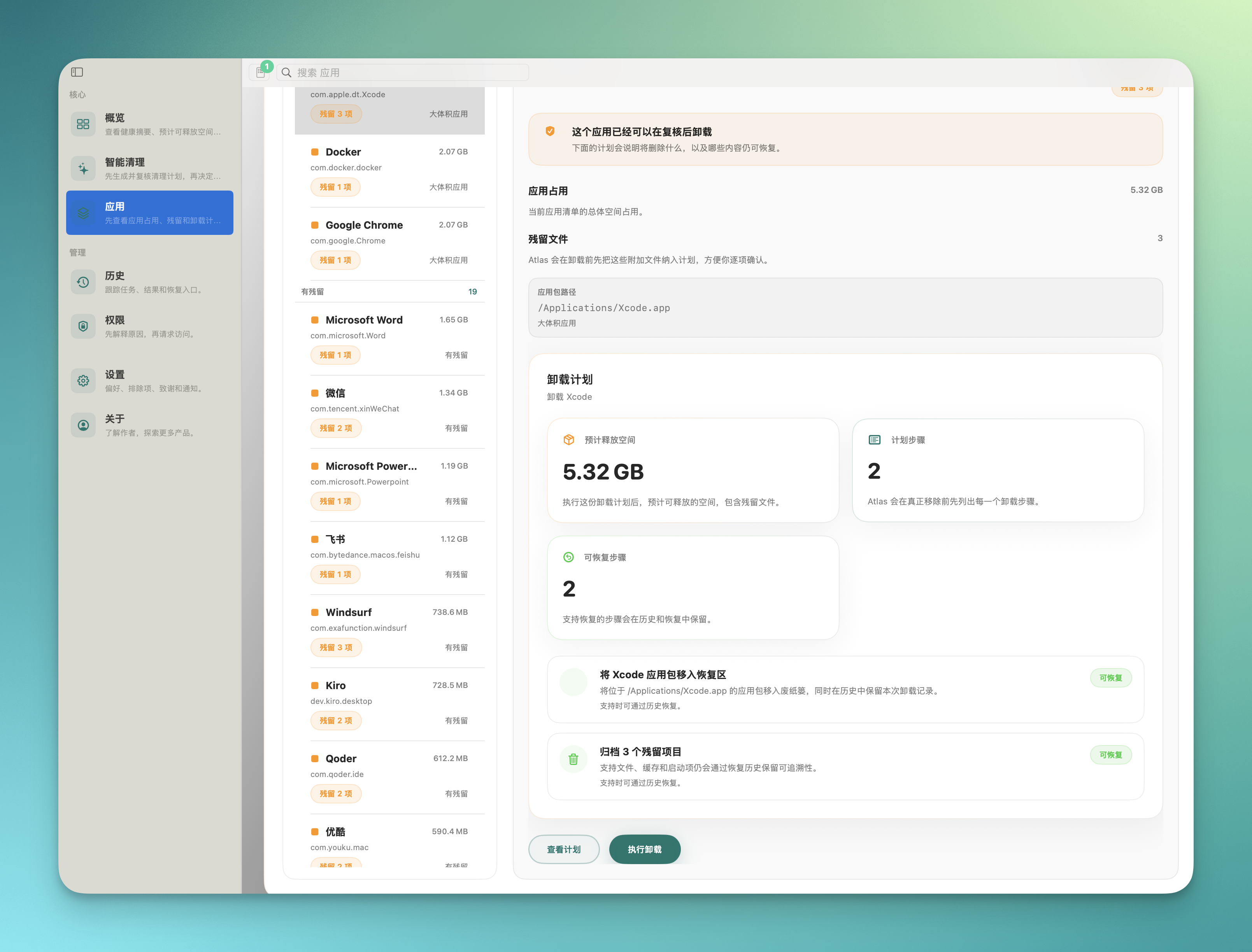
Map each app's full footprint and plan uninstall
See every related file an app leaves on disk
Lists all targets before uninstall, item by item
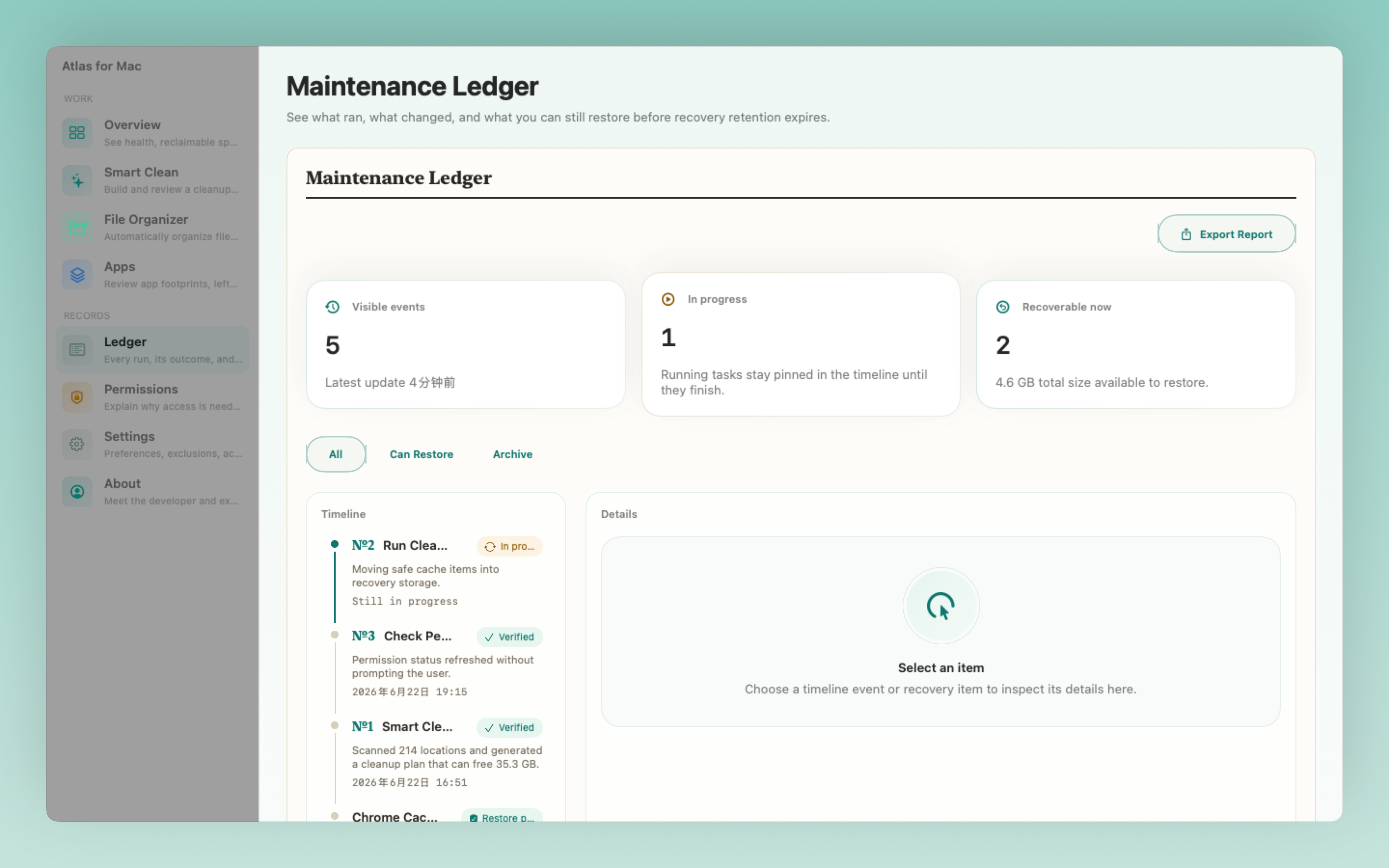
A traceable timeline of every action
Plan №N · scan receipt · restore point — all numbered on the record
Every action is traceable; nothing happens silently
Least-privilege, explained before request
Requests access only when scanning a protected location
Every permission comes with a stated purpose
Atlas reads your disk and identifies caches, logs, and leftovers to produce a plan.
The plan is itemized with explanations and sizes — you decide what stays or goes.
On confirm, Atlas creates a restore point and records the action to the ledger as plan №N.
Within the retention window, recover cleaned items one by one from the ledger (when supported).
Atlas makes trust structural: scans produce plans, runs enter the ledger, restore points are real. The number, receipt, evidence, and recovery path aren't marketing — they're things you can click.
Item-level restore within the retention window; some cases (e.g. snapshot-covered items) may not be supported.
Atlas recognizes dev toolchains and avoids deleting things that matter.
Detects caches and artifacts from Homebrew, Xcode, Node.js and more, flagging each as safe or cautionary.
Sees .git, node_modules, build and similar directories and excludes them by default to keep your workflow intact.
Ships a CLI for scripted scan and clean, ready to drop into automation.
Every action is recorded under its plan number with paths, sizes, and timestamps for easy auditing.
Atlas's design principles: explain before acting, recover after.
Every clean shows the full target list first — there is no black-box one-click clean.
Cleaned files are backed up for the retention window and recoverable item by item from the ledger (when supported).
Atlas requests specific permissions only when needed, each with a stated purpose. Basics run without Full Disk Access.
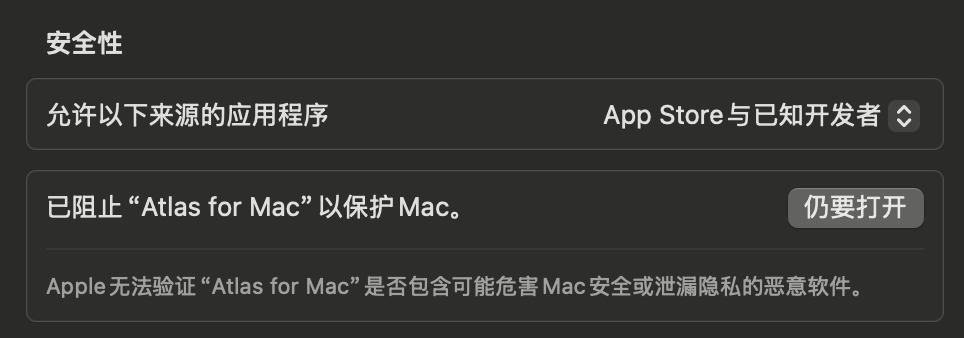
Atlas is signed with an Apple Developer ID and passes Apple's notarization. On first launch, macOS Gatekeeper verifies integrity automatically. Prerelease builds may not be notarized and require a manual right-click → Open.
Prerelease builds may contain unfinished features or known issues and are for testing only. Because they aren't Apple-notarized, the first launch needs a right-click → Open. Don't rely on them on important machines.
No. Atlas runs entirely on-device and never collects or uploads files or personal data. Scan results and ledger entries stay local. The source code is fully open for review.
Before cleaning, Atlas backs up the targets to a local retention directory and records the action on the ledger under a plan number (№N) with paths, sizes, and a restore point. Within the retention window (default 30 days) you can recover cleaned items one by one from the ledger. This is file-level backup, not a system snapshot, so some cases may not be supported.
Basics run without Full Disk Access. Atlas follows least privilege — it only requests a permission when scanning a specific protected location, and explains the purpose first.
Not today. Atlas is distributed via direct download to keep full system-maintenance capability. The Mac App Store sandbox would limit core clean and restore features. A slimmed-down version may be considered later.